

Open MaxPlayer and sign in one of two ways:
A — On the TV: type the username and password with the remote and select Login.
B — With your phone (faster): select Get Code, point your phone camera at the QR code and type the username and password on your phone. The TV signs in by itself.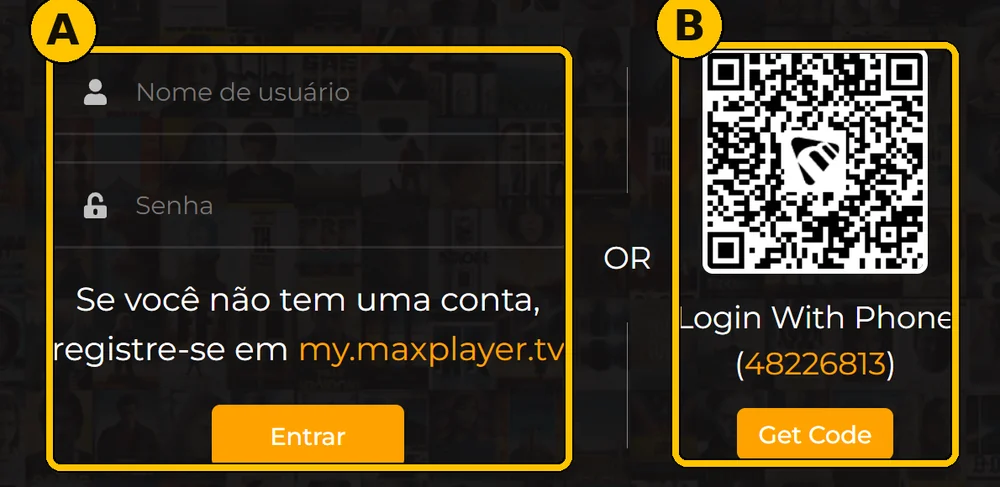
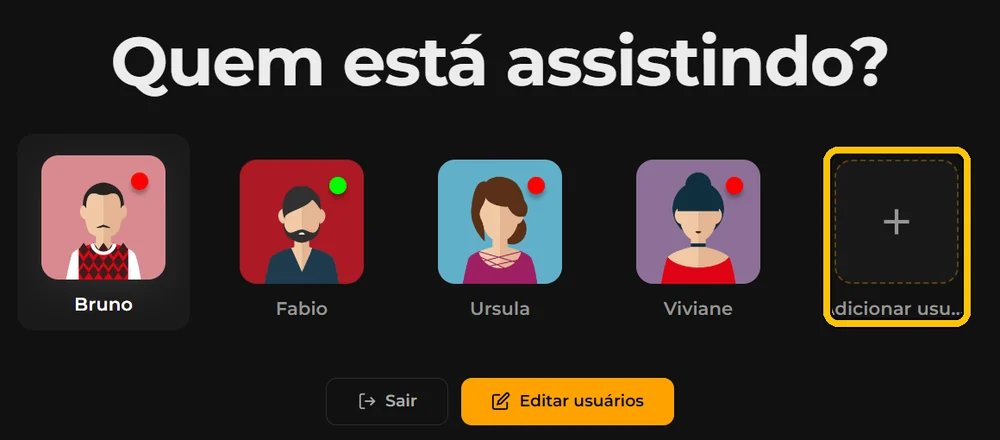
On Who is watching?, select your profile. First time? Select + Add user, pick an avatar with the yellow pencil, type your name and select Add.
If Select List shows up, pick the first one (usually DNS 1). Done: you are on the home screen.
Capital letters matter: "ABC" is not "abc". Type it exactly as you received it.
Don't create an account at my.maxplayer.tv (the line shown on the sign-in screen): that starts a separate trial, not your login.