

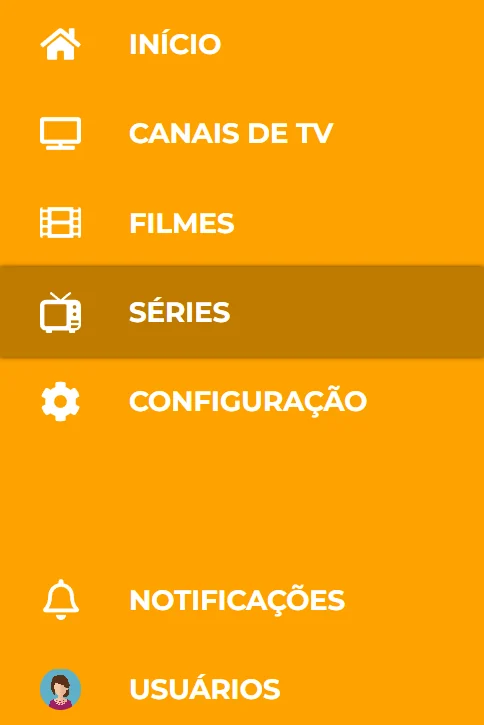
| In the menu | What's there |
|---|---|
| 🏠 Home | New releases and what you were watching. |
| 📺 Live channels | Live TV, by category. |
| 🎞️ Movies | Movies by category, with search. |
| 📼 Series | Seasons and episodes. |
| ⚙️ Settings | Settings and, if you have two lists, switching between DNS 1 and DNS 2. |
| 🔔 Notifications | Notices from your seller. |
| 👤 Users | Switch profiles. |
4 shortcuts everyone should know
- Watch a channel: pick the category, select the channel and press OK again for full screen.
- Favorite: hold OK for 2 seconds on a channel. It goes to the Favorites folder.
- Movie or series: select the title to see the synopsis and select Play. For series, pick the season and episode.
- Subtitles and audio: while watching, press the down arrow on the remote.
Remote without colored buttons (like Samsung)? In movies, press OK and a round menu shows the same options.